





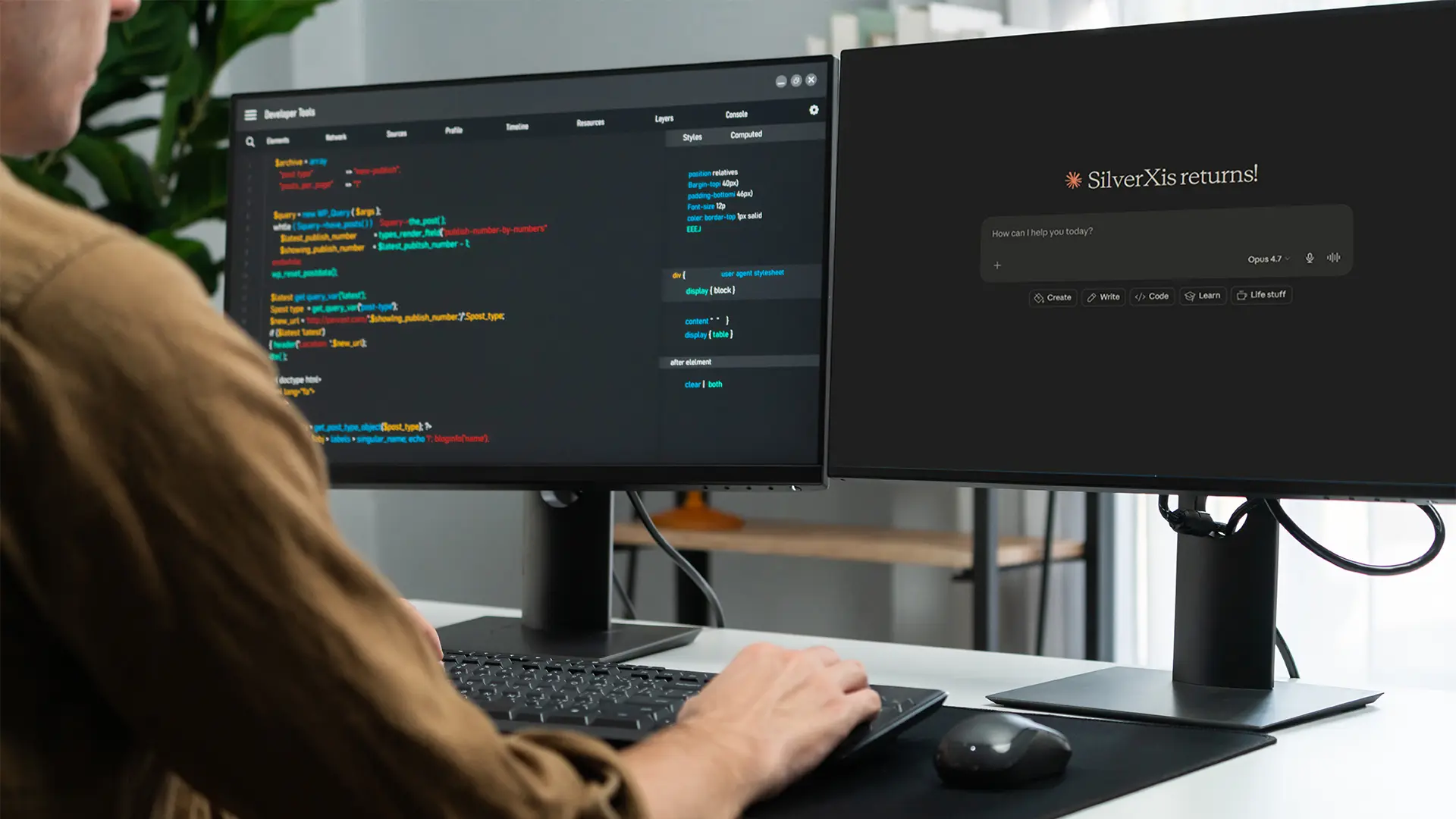
If your team is working with modern software development, Claude AI has likely already come up in discussions. It is now being evaluated by product teams, engineers, and technical leaders as part of real workflow decisions.
The question is no longer whether AI should be tested. The real focus is on where it fits inside actual software systems and day-to-day development work.
Most teams are not looking for another tool sitting in isolation. They are looking for ways to reduce friction in real problems like slow onboarding, legacy code complexity, repetitive development tasks, and time-consuming debugging.
That is where Claude AI use cases become relevant in custom software projects, not as a chatbot but as a practical part of how software is designed, built, and maintained.
So before we talk about use cases, it helps to understand what Claude actually is and how it fits into everyday software work.
What Is Claude AI and How It Works
At a simple level, Claude AI is a large language model built by Anthropic. That sounds technical, but the practical version is easier to understand. It reads information, understands context, and gives useful responses back.
That information could be code, product requirements, API documentation, error logs, or even messy notes from a developer handoff. In real software work, teams spend a surprising amount of time not building features, but trying to understand what already exists before they can move forward.
What does this service do? Why was this written this way? Where is this error actually coming from? Claude helps answer these questions faster, and sometimes that alone saves hours.
How to Use Claude AI in Custom Software Workflows
Many teams overthink AI adoption. They start by asking how to roll it out everywhere. That usually creates confusion.
A better approach is simpler, and that is to start with one workflow that already feels slow or repetitive. Maybe documentation, debugging, or code review. That is usually the best way to know how to use Claude AI in a practical business setting.
Most teams that successfully use Claude AI do not start big. They start with one use case, learn what works, and then expand from there. That usually leads to better long-term results.
Why Developers Use Claude AI in Custom Software
Most engineering teams are not short on talent. They are short on bandwidth.
There is always too much happening at once. Product deadlines. Technical debt. Customer issues. Internal tools nobody wants to maintain but everyone depends on.
So when teams start to use Claude AI, it is usually not because they want to replace engineers. It is because they want to remove some of that drag.
Things like:
- writing repetitive code
- reviewing old modules
- drafting documentation
- investigating bugs
- creating tests nobody has time for
Those jobs still need people. But they do not always need full human effort from the first minute. And this is where Claude fits well.
Best Claude AI Use Cases in Custom Software
Once teams move past experimentation, a few patterns show up again and again. These are usually where the real value appears.
Code Generation for Structured Development Tasks
This is one of the easiest wins.
Claude works well with repetitive development tasks like:
- generating helper functions
- creating service templates
- writing reusable components
Not fancy, but it could be significant. And honestly, developers usually appreciate not having to write the same boilerplate again.
Refactoring and Improving Legacy Code
Legacy systems are tricky. They often still work, which makes teams afraid to touch them. That fear slows everything down.
Claude helps by reviewing older code and suggesting cleaner patterns or possible improvements. Not every suggestion will be right. But it helps the team to start the conversation. Sometimes that is the hardest part.
Creating Test Cases and QA Scenarios
Testing tends to get delayed. Not because teams do not care. Because deadlines happen.
Claude can help generate early test scenarios, edge cases, and validation checks. That gives QA teams a better starting point.
NIST Secure Software Development Framework continues to update its secure software guidance, with its Secure Software Development Framework project page refreshed as recently as April 2026. AI should support that, not replace it.
Automating Technical Documentation
Almost everyone agrees that documentation matters because nobody enjoys writing it. So it gets skipped. Then six months later, everyone regrets it.
Claude can help teams turn technical work into readable docs much faster. That is not flashy. But it is genuinely useful if used properly.
Optimizing Database Queries with Claude AI
Sometimes the biggest performance issue is just one slow query hiding somewhere.
Claude can review SQL and suggest improvements. Maybe a cleaner structure. Maybe a better index. It is not a database architect. But it helps teams think faster, and sometimes that is enough.
Using Claude AI for Coding vs Traditional Tools
At this point, many teams ask a fair question: if we already have strong development tools, why add Claude? The short answer is that it solves a different kind of problem.
Traditional tools are excellent at enforcing rules and catching technical issues. Claude helps developers think through problems, understand context, and move faster when the work gets messy.
A quick comparison makes that easier to see.
If your team needs | Traditional tools | Claude AI |
Code accuracy | Best for catching exact errors | Helpful but needs review |
Large codebase understanding | Mostly manual | Faster context understanding |
Repetitive code | Templates and snippets | Faster first drafts |
Debugging | Shows what failed | Helps explain why |
Traditional tools help enforce the rules. Claude helps your team think through the work. That’s the reason to most teams do not choose one over the other. They use both usually, and that combination works best.
Anthropic Claude AI Use Cases: Strengths and Limits
Claude has clear strengths. It handles long context well. It reads large documents well. It explains technical ideas clearly.
That is why teams like it. But it is not perfect. Sometimes it guesses, sounds confident, and still gets something wrong. And here, human review stays essential.
According to Stanford HAI’s 2026 AI Index, notes that responsible AI practices, including safety, governance, and human oversight, are becoming increasingly important as enterprise AI adoption grows.
Vibe Coding Projects and Rapid Prototyping Using Claude AI
This is becoming more common, especially in startups. Sometimes you do not need a polished product. You need a fast prototype. Something to test, show, and learn from.
That is where vibe coding projects make sense. Claude helps teams move quickly so they can validate ideas earlier. And honestly, that can save a lot of wasted development effort later.
Should You Use Claude AI for Custom Software Projects
Probably, yes. But only if you know what problem you are solving. That part matters the most.
Do not adopt Claude because everyone else is talking about it. Use it because your team keeps hitting the same bottleneck, and you think AI can reduce it. And this is a much healthier reason.
At SilverXis, that same mindset applies to custom software decisions in general. Start with the business problem. Then choose the right technology. Usually, that leads to better outcomes.
Conclusion
The best Claude AI use cases are usually practical. Helping developers to understand the code faster. Allowing teams to write better documentation and reduce repetitive work.
That is where the value really shows up. And truthfully, that is probably the best way to think about Claude too. Not as a tool you “try.” As something that quietly helps your team work better every day.
If you are exploring custom software development, it helps to start with one clear workflow instead of trying to change everything at once. The right setup usually comes from understanding the problem first, not the tool.
FAQs
What is real-time supply chain tracking?
Using digital tools like IoT devices, GPS systems, and cloud platforms, real-time supply chain tracking lets businesses keep an eye on supply chain activities all the time. These tools give businesses real-time data that helps them keep track of and control their operations.
How does supply chain tracking software work?
Supply chain tracking software collects operational data from multiple systems and technologies. The software analyzes this data and presents it through dashboards and analytics tools, helping organizations monitor supply chain performance and make better decisions.
What technologies support real-time supply chain tracking?
Technologies such as IoT sensors, GPS tracking, RFID systems, cloud platforms, and artificial intelligence help businesses enable real-time supply chain tracking. These technologies work together to improve supply chain visibility and operational efficiency.
Why is real-time supply chain tracking important?
Real-time supply chain tracking helps businesses see what’s going on in their operations better, find problems sooner, and make decisions more quickly. It also helps supply chain networks work together better.
